
From registration to discharge, on one record
Each step hands over to the next, on the same patient record.
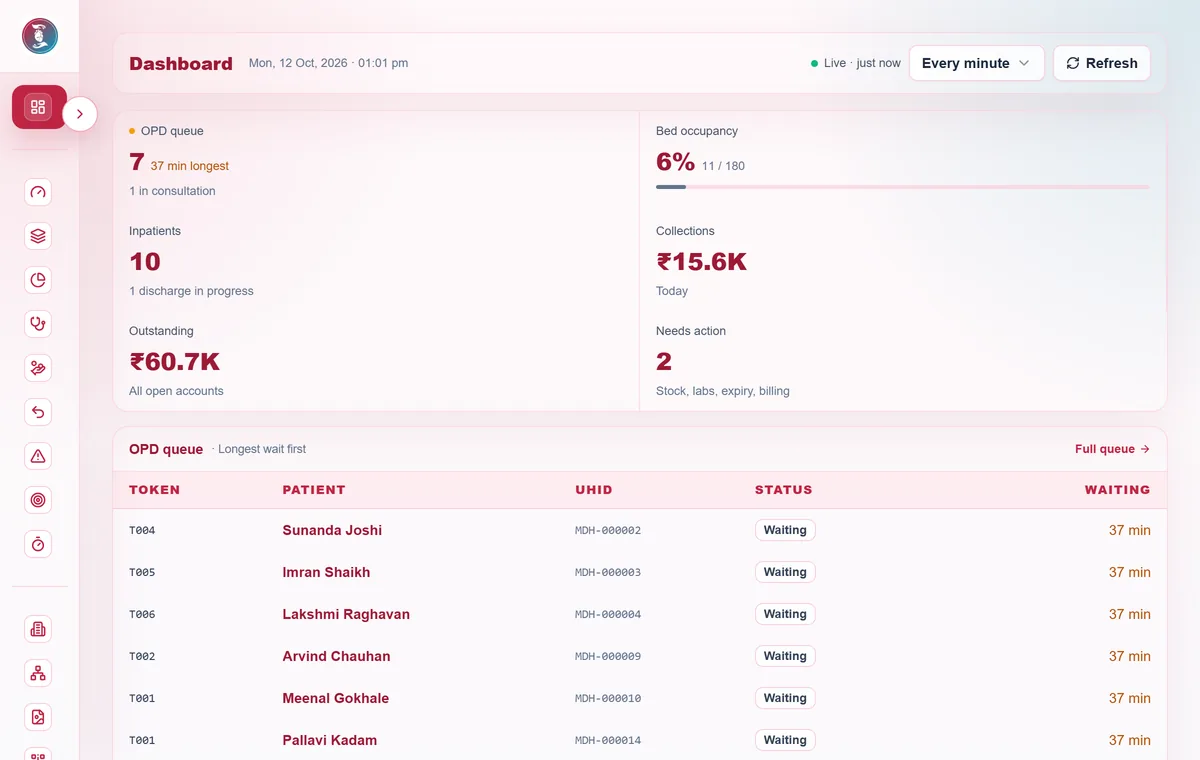
In short
- Nothing is typed twice
- Every team picks up where the last left off
- Every action is recorded
Step by step
Step 1: Registering a patient
The front desk finds an existing patient or registers a new one, without creating duplicates.
- Search by MedChaaya ID, username, email or mobile (exact match)
- If found, link the patient to this hospital. If not, register them
- A hospital UHID is issued and possible duplicates are flagged
- The patient gets a secure one-time account-setup message
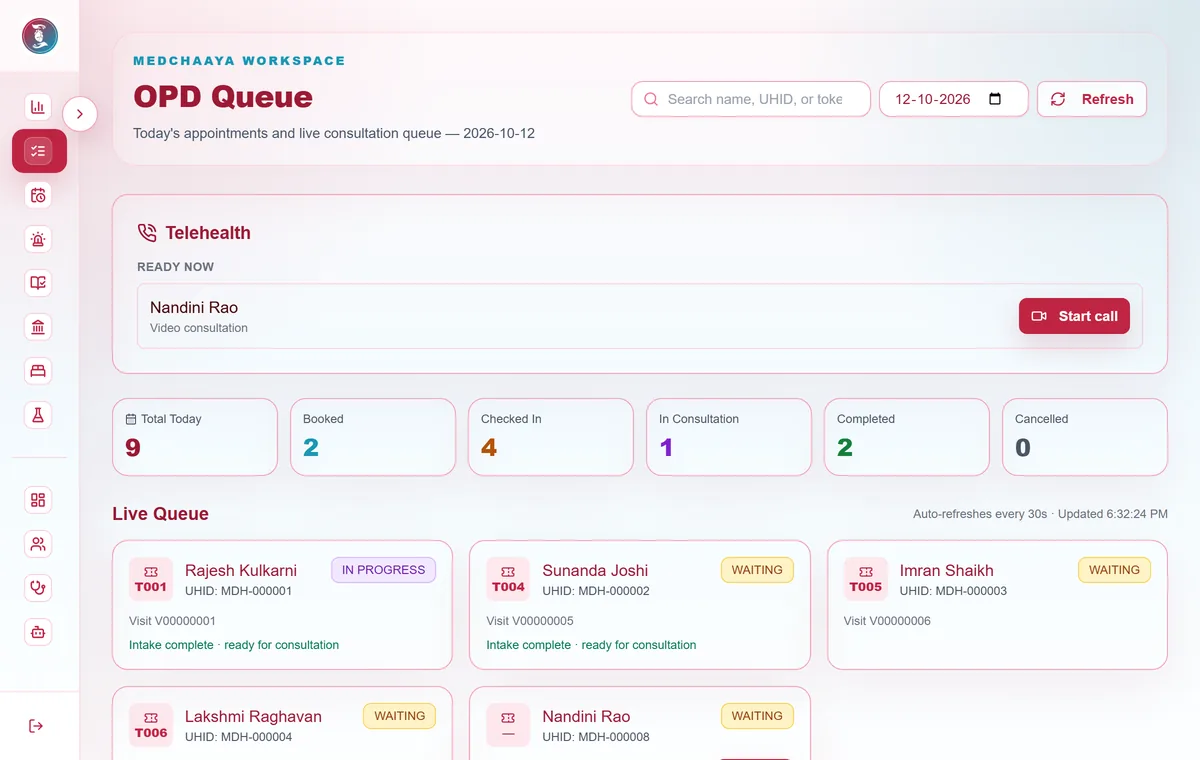
Step 2: An outpatient visit
From booking to billing, every step is recorded on the visit.
- Book: the patient or reception picks a slot, in person or by video
- Check in: a token is issued and a visit is created
- Intake: complaints and vitals are recorded and the patient is marked ready for the doctor
- Consult: note, prescription and lab, radiology or procedure orders
- Complete: the charge posts to billing and the note and prescription PDFs are generated
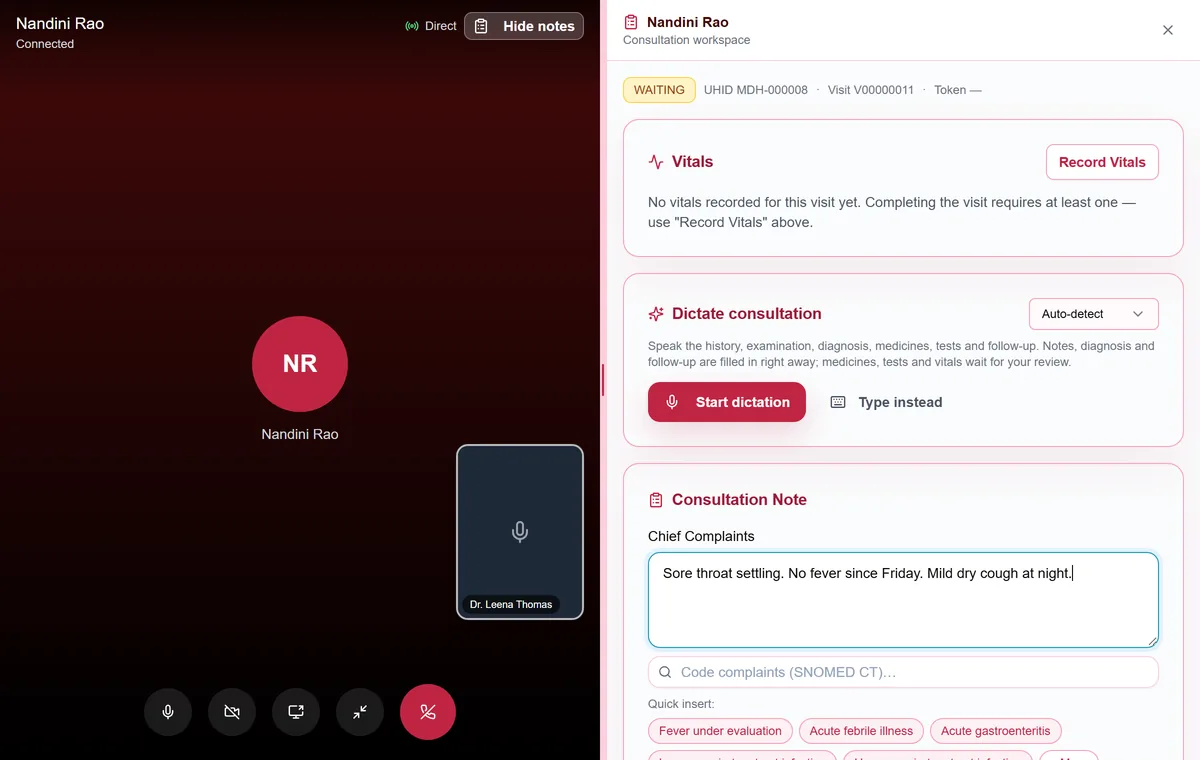
Step 3: A video consultation
Doctor and patient connect directly. MedChaaya only rings, relays control signals and logs the call.
- The doctor starts the call and the patient's devices ring
- The patient accepts with video, accepts audio-only or declines
- Video and audio travel directly between them, and nothing is recorded
- The duration is saved against the patient's visit
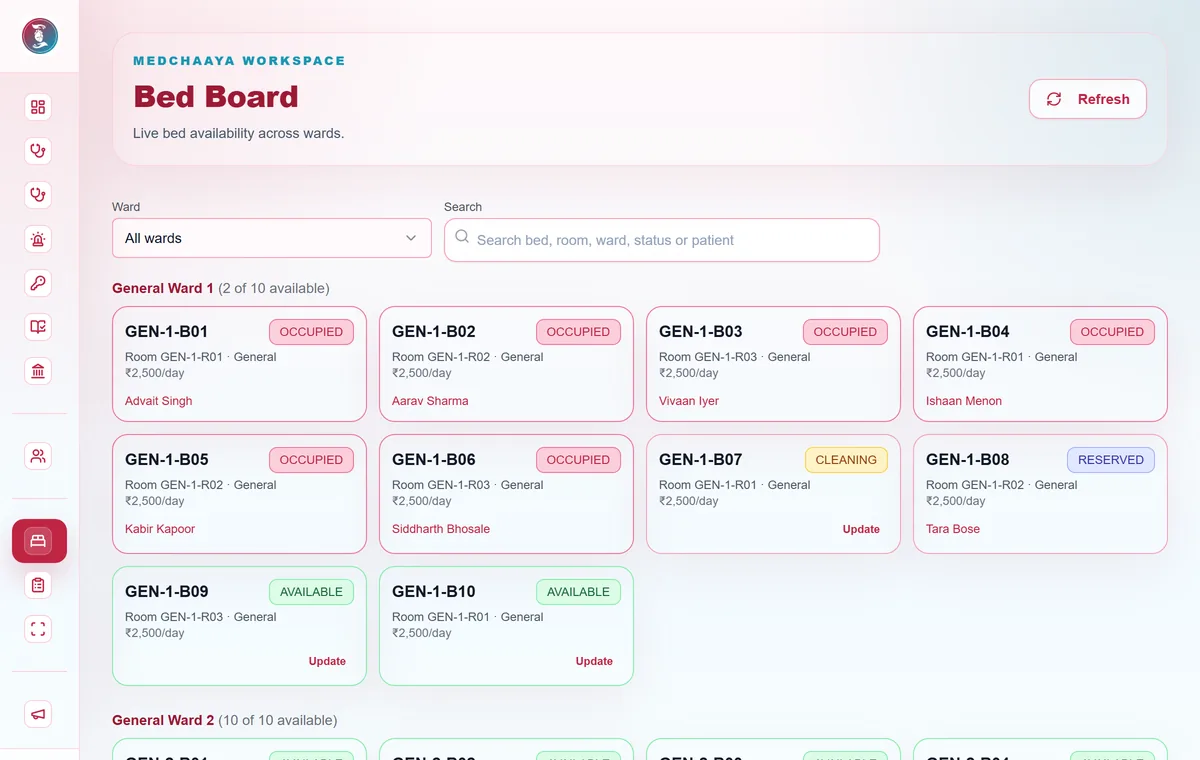
Step 4: Admission to discharge
A stay is managed from bed allocation to a checklist-controlled discharge.
- Admit from an OPD referral, a planned admission or an emergency
- Reserve, allocate and transfer beds, with daily bed charges to billing
- Record vitals, nursing notes, doctor rounds and inpatient orders
- Clear the discharge checklist, then finalize and free the bed
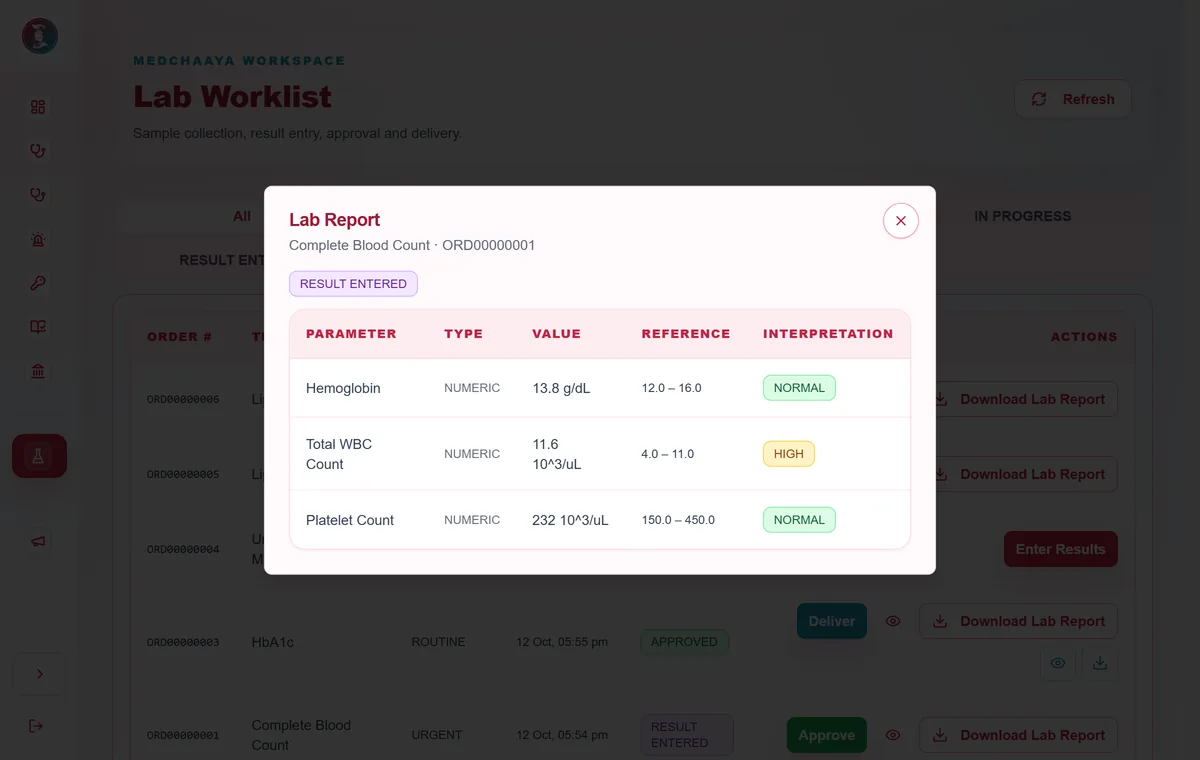
Step 5: Laboratory and radiology
Orders become approved reports without paper.
- The doctor orders from OPD or IPD
- The lab collects the sample and enters results per parameter
- Radiology schedules the study, enters the report and uploads images
- A pathologist or radiologist approves, and the report is delivered and billed
Step 6: Pharmacy
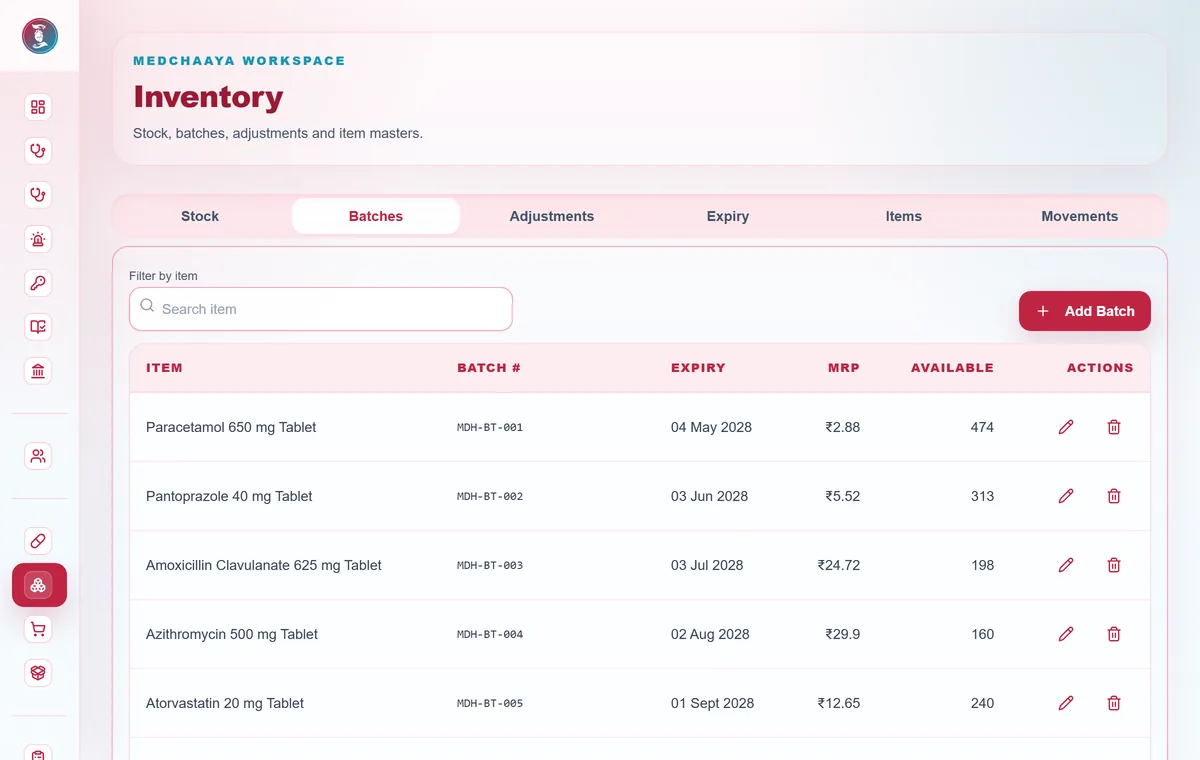
Prescriptions arrive in a queue and stock stays accurate.
- Dispense in full or in part from the earliest-expiring batch
- Schedule H, H1 and X drugs need a prescription line
- Sales to registered patients post a charge to billing
- The prescription moves from placed to fulfilled
Step 7: Billing
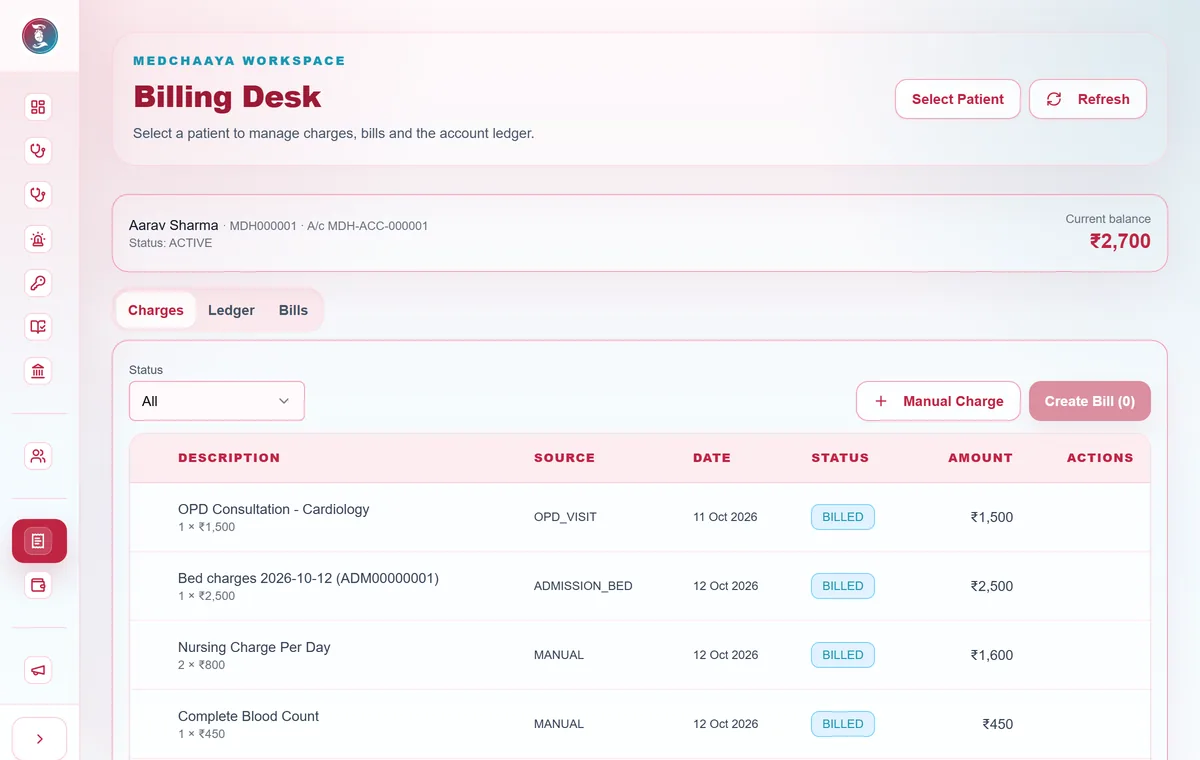
Charges are collected automatically and finalized into numbered invoices.
- Charges come from OPD, diagnostics, pharmacy, bed stays or manual entry
- A draft bill is finalized with a gap-free invoice number
- Payments are recorded and a numbered receipt is issued
- Voids, discounts and refunds need a second person to approve
Step 8: Purchasing
Stock comes in through an approval trail.
- Purchase request, then approval, then purchase order
- Goods receipt creates batches and posts stock inward, then locks
- Supplier invoice, payment and returns if needed
Step 9: Immunization
A vaccination visit from screening to certificate.
- Screening: eligible, deferred or contraindicated
- Administer, with vaccine batch stock deducted
- Observe and record any adverse reaction
- Complete, issue a certificate and schedule the next dose
Step 10: ABHA and ABDM sharing
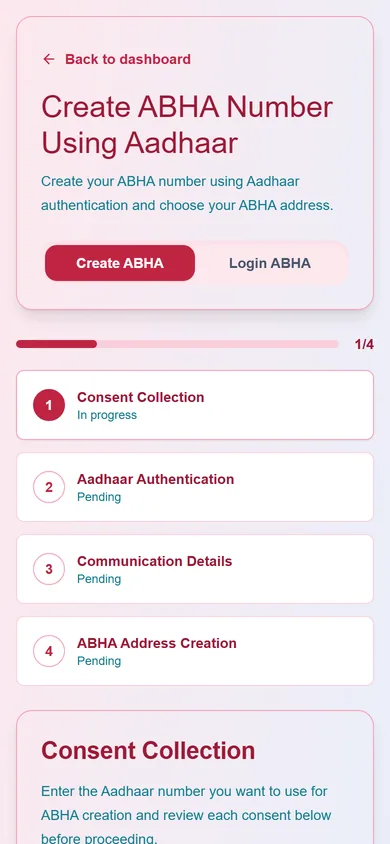
Records move between providers only with the patient's consent.
- The patient creates or links an ABHA
- A completed visit, approved report, discharge summary or invoice creates a care context
- The patient consents in their ABHA app, and the encrypted record is sent
- Scan & Share desks register the patient and issue a running token
Step 11: Documents to understanding
An optional AI flow for reports a patient uploads.
- Upload a PDF, JPG, PNG or a camera photo
- Text is read from the image and a summary is created in the background
- The document is filed on the patient's timeline
- The patient or doctor can ask questions about it
Step 12: Bringing a hospital live
From an empty hospital to a working one, with a checklist.
- The platform creates the hospital, its first admin, a main branch and starter departments
- The admin sets up branches, schedules, beds, billing and diagnostics
- Doctors and staff are invited or bulk-imported
- Print the QR codes, post announcements and go live